Tracks in.
Drag your music files into the project. Tempo and key analysis lay the groundwork for your mix.
DEEJAY.ACADEMY RECOMMENDS · DJ.STUDIO
With DJ.Studio your playlist becomes a finished DJ mix. Arrange tracks harmonically, refine transitions and export your set without recording the whole mix again.
Advertisement / affiliate link · 15% off your first invoice. Buy directly from DJ.Studio. We may receive a commission if you make a purchase.
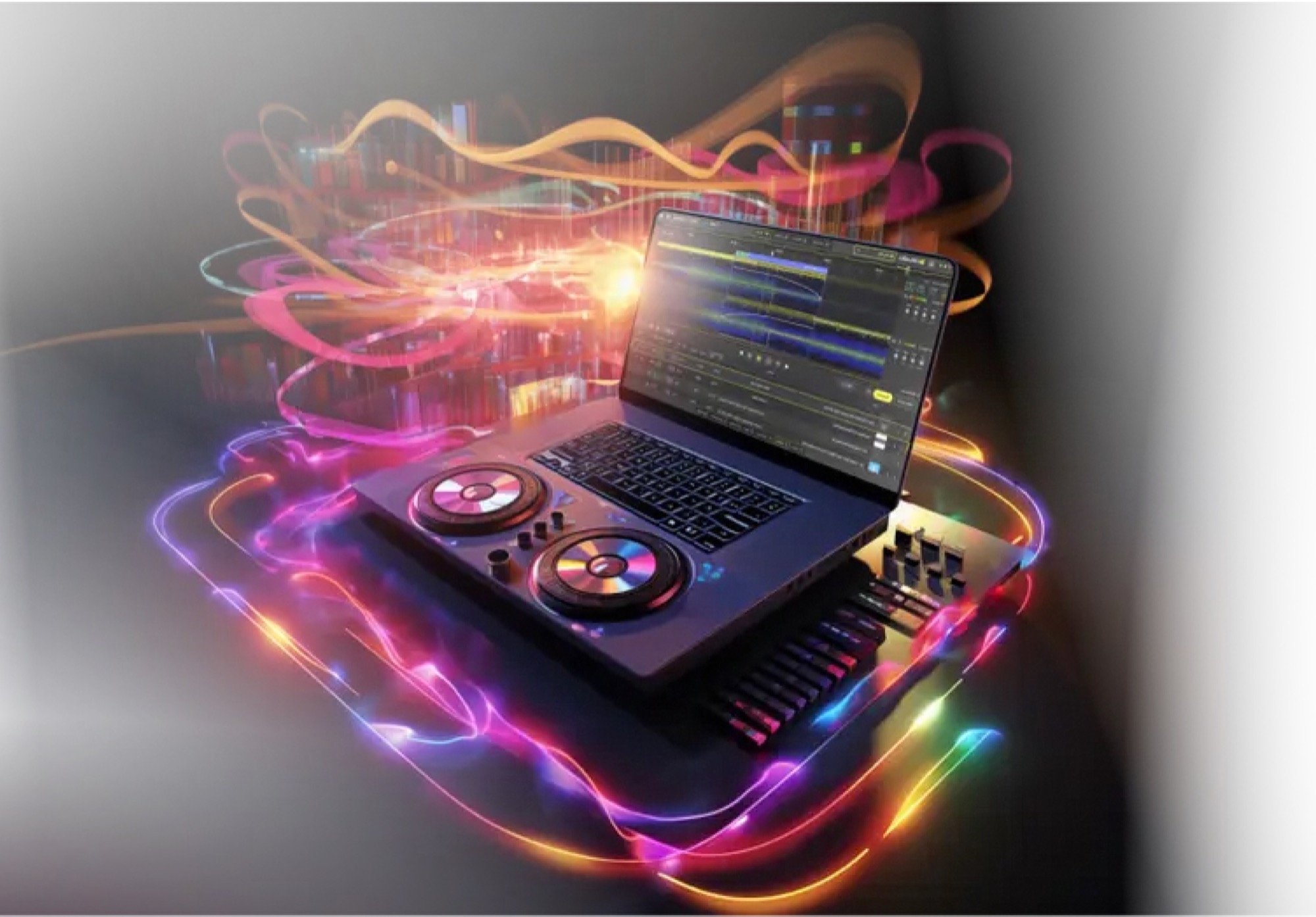
Edit that one moment. Keep the rest.
YOUR SOUND.
YOUR CONTROL.
DJ.STUDIO EXPLAINED
DJ.Studio is timeline software for producing DJ mixes on Mac and Windows. Arrange music, edit transitions and export your finished set. It is suited to mixtapes, radio shows, mashups and DJ set preparation.
01 / THE WORKFLOW
A great mix starts with your taste in music. DJ.Studio helps you turn it into a finished set, at your own pace.
Drag your music files into the project. Tempo and key analysis lay the groundwork for your mix.
Let Harmonize suggest an order. Then refine mix points, transitions and effects on the timeline.
Listen through, adjust the final details and export your finished mix in a suitable format.*
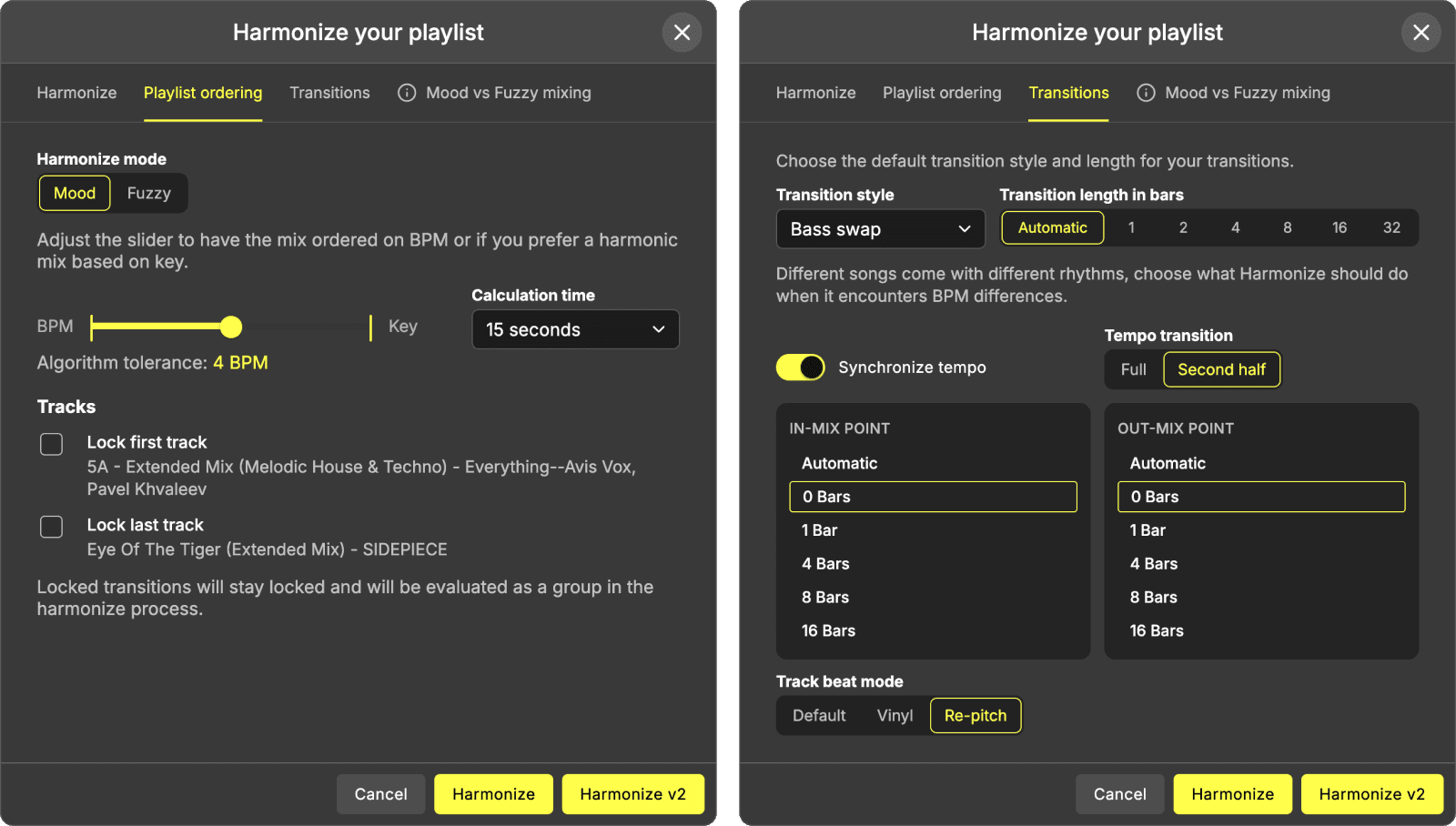
The software sorts. You decide.
BPM, key and transition length stay in your hands.
02 / ROOM TO CREATE
TIMELINE EDITOR*
Move tracks, adjust transitions and automate effects. If something needs work, edit that spot directly and keep the rest of your mix.
Work precisely. Produce at your own pace.STEM SEPARATION*
Separate vocals, drums, bass and melodies. Make room for the next track and build your own mashups and transitions.
HARMONIZE
Plan the order using BPM and key. Keep control of the opening, ending and musical journey.
EXPORT*
Audio, video, an Ableton project or a prepared setlist: choose the export that suits your workflow and plan.
* Manual transitions, automation, stem features and export options depend on your plan and music source. Compare the current features directly at DJ.Studio.
03 / FOR YOUR MIX
DJ.Studio is your studio for prepared mixes. For spontaneous live performances, keep using your live DJ software.
Experiment with your sound using a laptop, mouse and keyboard.
Plan your set’s energy and try transitions before you perform.
Arrange music, voice-overs and samples in one project.
LESS RECORDING PRESSURE
Your taste in music makes the mix. The timeline gives you time to shape it.
| Your task | Traditional live recording | With DJ.Studio |
|---|---|---|
| Transitions | Hit the right moment | Plan visually and refine later* |
| Corrections | Record again or edit separately | Change a specific part of the project |
| Track order | Experiment while playing | Plan ahead using BPM and key |
| Finished mix | Record the performance in real time | Export the project after fine-tuning* |
* Features depend on the plan. Both workflows have their place: DJ.Studio focuses on production and preparation.
04 / THE PEOPLE BEHIND IT
You may know Nils Paeschke and Stefan Egerlandt from dj360.de. Their recommendation is also at the heart of deejay.academy: DJ.Studio and a creative path from your music selection to a finished mix.

Music comes first.
DJ.Studio in the workflow.

Ideas for your mix.
A direct route to DJ.Studio.
YOUR DEEJAY.ACADEMY AFFILIATE BENEFIT
Explore the plans directly at DJ.Studio and use our affiliate link for a discount on your first invoice.
Open the offer at DJ.StudioAdvertisement / affiliate link · The provider’s current terms and displayed final price apply.
05 / GOOD TO KNOW
Answers about the software, its features and your affiliate benefit.
DJ.Studio is timeline-based production software for DJs on Mac and Windows. Select tracks, plan their order and transitions, then export the finished mix in a supported format.
No. DJ.Studio is designed for preparing, editing and exporting mixes. Depending on your workflow, you can use prepared setlists in established DJ software for live performances.
No. You can use the software with a mouse and keyboard. Extra decks or a controller are not required to produce a mix.
Your own music files are supported, along with various DJ libraries and streaming sources. Availability and terms may vary by service, region and plan.
Depending on the plan, options include audio formats, video, Ableton Live projects and prepared setlists. Check the current plan comparison on the provider’s website before buying.
No. Stem separation, Video Creator, VST support and certain export formats depend on the plan. Choose a plan based on the features you actually want to use.
DJ.Studio offers a free trial. Check the current duration, export options and trial terms directly with the provider before you start.
Click one of the labelled discount buttons on this page. The affiliate link takes you directly to DJ.Studio. The reference site dj360.de advertises 15% off your first invoice; check the discount applied and the provider’s terms before buying.
Yes. If you buy through the link, deejay.academy or the referring partner may receive a commission. This adds no extra cost for you; the link carries the advertised 15% offer.
The software does not grant music or publishing rights. Before uploading, streaming or using a mix commercially, check that you hold the necessary rights to the tracks you use.
YOUR PLAYLIST IS WAITING.
Discover what your next mix feels like on the timeline.
Discover DJ.Studio with 15% off Affiliate link · Purchase and contract directly with DJ.Studio.Researched transparently. Product information: DJ.Studio · System requirements · Reference site and people: dj360.de. Updated: . The 15% offer reflects the affiliate promotion on dj360.de; check the discount actually applied by the provider before buying.